
PS5 games running
on Xbox hardware.
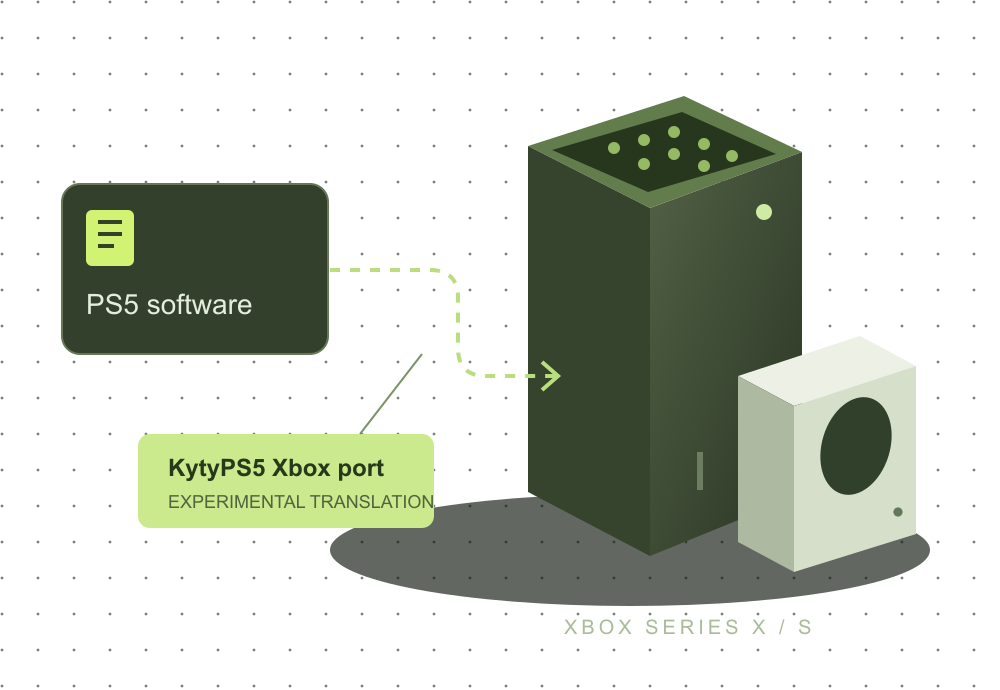
An unexpected possibility. A project still taking shape. Understand the KytyPS5 Xbox port, check your setup, and separate documented progress from unverified claims.
Author documentation reviewed October 19, 2026 · No console tests by this site
Start with what you need
Curiosity to clarity.
Three useful starting points, whether you just saw the news or already have Developer Mode ready.
What is PS5X?
Meet the Xbox port, understand its KytyPS5 origins, and learn what “experimental” means here.
Read the project overview 02 / PREPAREIs your setup ready?
Check your console, Developer Mode and installation prerequisites. Get a clear list of what comes next.
Use the setup checker 03 / FOLLOW THE STEPSFind the right install path.
Follow the author-documented Xbox package workflow, with dependencies, source links and clear limits.
Open the installation guideThe evidence, without the hype
PS5 games running on Xbox hardware: the evidence.
The author’s Xbox repository and a downloadable pre-release document a concrete project. They do not establish that every PS5 game runs, that a game is finishable, or that Series X and Series S perform the same.
We have not performed console tests. Until specific, attributable evidence is available, we leave game compatibility and frame rates unreported.
How we label evidenceCosmo/KytyPS5 is a port of the KytyPS5 translation layer, with Xbox-specific documentation and releases.
The documented target is Xbox Series hardware. Xbox One is outside the supported installation target.
A boot screen, brief video or upstream PC result is not a complete Xbox compatibility test.
We need the exact game, console, build, settings and test scope before publishing a performance conclusion.
Version reference
Follow the author’s release trail.
This is the pre-release reviewed for these guides, not a claim that every later build has been checked. Compare the author’s latest notes before installing.
Before you get started
A few important distinctions.
Experimental software comes with questions. Start with these answers, then follow the source documentation for the details.
Is this a native Xbox release of a PS5 game?
No. The project concerns a translation layer for PS5 software on Xbox Series hardware. That is different from a publisher releasing an Xbox edition, a PC port or a cloud-streamed game. A native Xbox listing is not evidence that its PS5 version works through KytyPS5.
Can I play any PS5 game on an Xbox now?
No universal compatibility claim is supported by these guides. Installation, booting, reaching gameplay and completing a game are different milestones. Check evidence for the exact title, console and build before drawing a conclusion.
Will this work on Xbox One?
The author’s Xbox port targets Series X and Series S. Xbox One is not a supported target. The setup checker will point out this hardware limitation before you work through the other requirements.
Where should I get the software?
Use the author’s GitHub release and follow its installation notes. We do not host executables, game packages, firmware or keys. Do not treat a “PS5X download” search result as proof that a file came from the author.
Is Developer Mode always a $19 purchase?
Do not rely on a fixed price quoted in an old guide. Microsoft’s developer-account registration routes have changed, and the current process depends on the account and region. Read the current Microsoft instructions and the terms shown in your own registration flow.
Does this site guarantee account or software safety?
No. An author-published package is a source reference, not a guarantee about every risk. Review Microsoft’s current terms and the project’s instructions. Only use software and content you are entitled to use. Our installation guide identifies the relevant source and preparation checks.
Your next step
Check the prerequisites first.
A short, local checklist. No account. No game files. No compatibility guesses.